
See every detail.
HawkView opens RAW, HEIC, AVIF, JPEG XL, WebP and dozens of other formats instantly - then lets you edit, convert and present them, all from one fast, beautiful app.
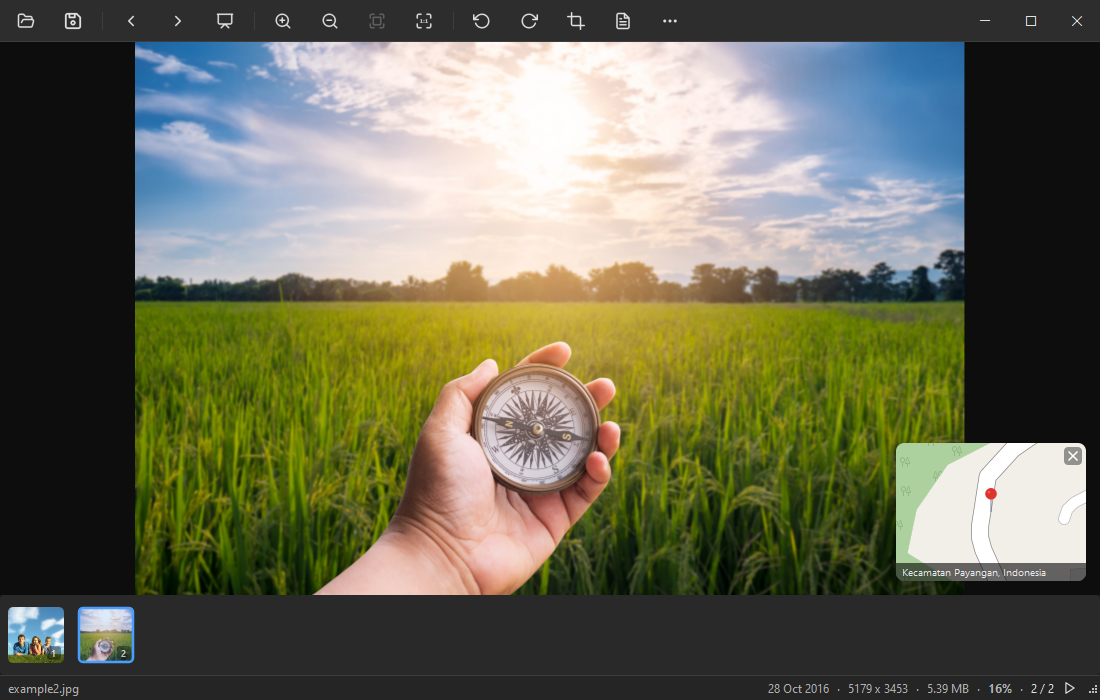
Opens virtually every image format
Built for speed and clarity
Everything you expect from a modern image viewer - plus the formats others can't open.
Instant & GPU-accelerated
Images open the moment you click, and the filmstrip keeps the whole folder in reach. Smooth zoom and pan, even on huge files, powered by your GPU.
Every format
RAW, HEIC, AVIF, JPEG XL, WebP, PNG, JPEG, GIF, TIFF, PSD, SVG and more - no plugins, no codec packs.
Edit & convert
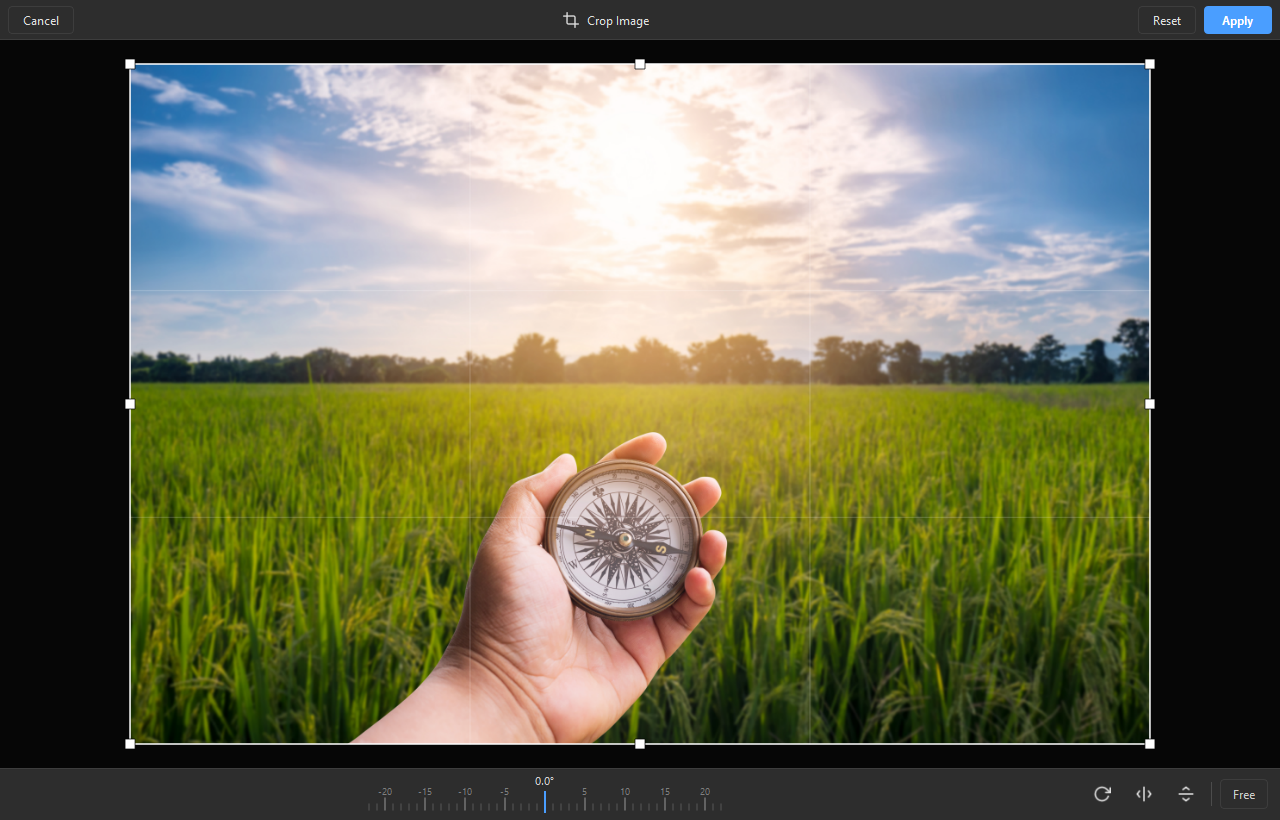
Crop, rotate (lossless for JPEG), flip and convert between formats with quality control - without leaving the viewer.
Slideshows & export
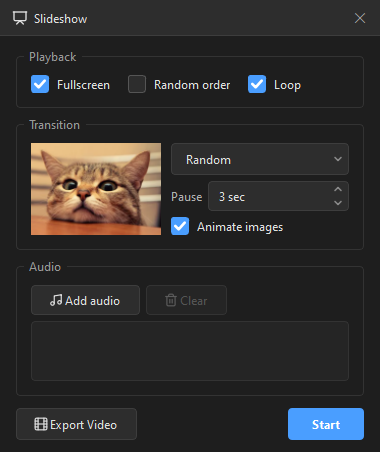
Run beautiful slideshows with GPU transitions and music, or export them as a video.
Metadata & GPS map
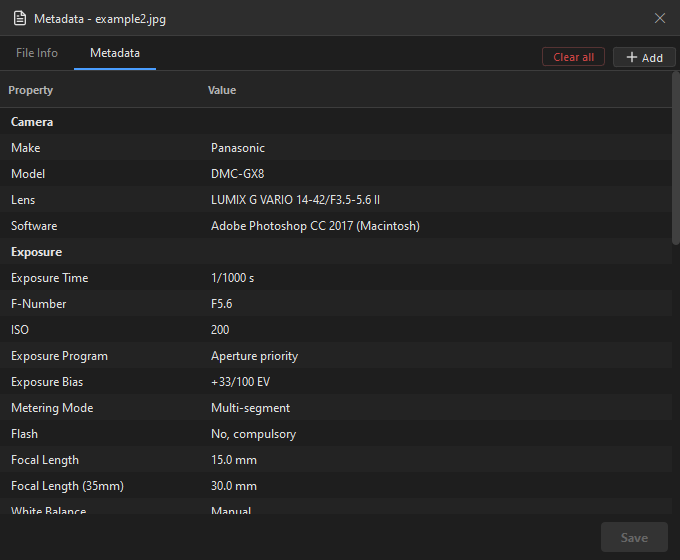
Read EXIF metadata and see exactly where a photo was taken on an interactive map.
Yours to shape
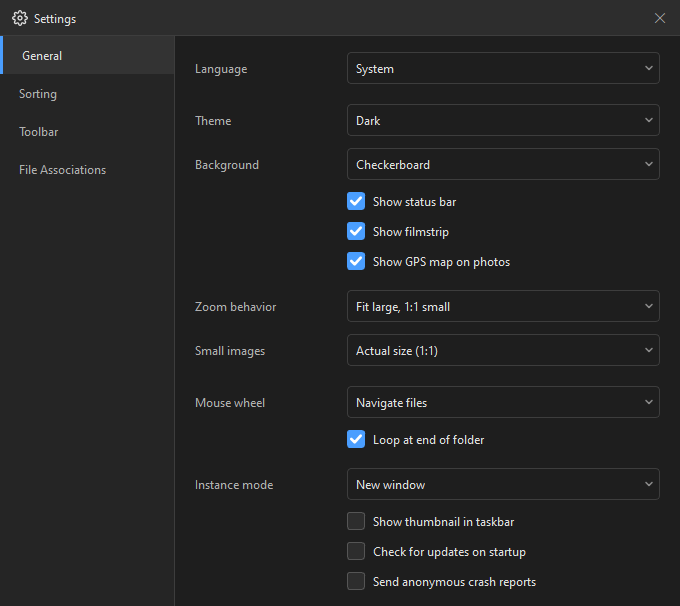
Dark & light themes, a customizable toolbar, set-as-wallpaper, and a clean distraction-free view.
Designed to disappear behind your images
Distraction-free viewing
Crop & straighten
View & edit metadata
Slideshow with GPU transitions
Make it yours in Settings
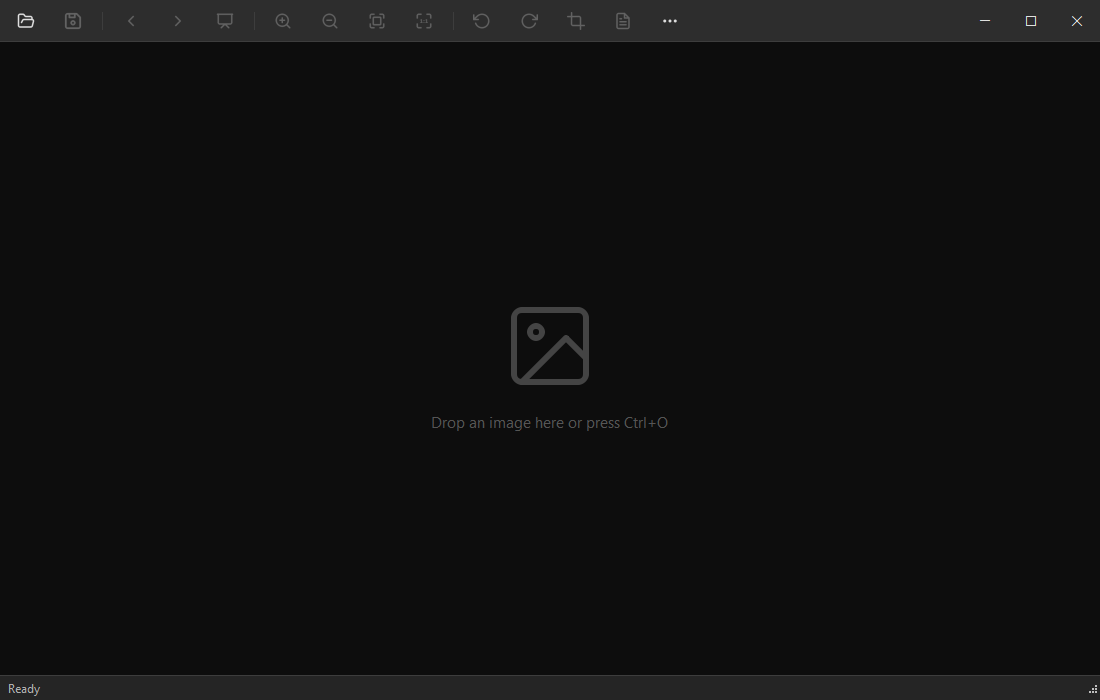
Just drop an image to begin

Ready to see every detail?
Download HawkView for Windows - free, no account, no ads.
Download for Windows